


Endpoint Cloud delivers the most advanced data management & protection technology in a single, centralized solution built for ease of use.
Discovery & Inventory
Within minutes of deploying the lightweight Discovery agent, get reporting on your entire endpoint environment with a detailed Hardware & Software Inventory.
Gain visibility & actionable analysis on your devices, installed software, data types, data size, storage usage and requirements.
Backup & recovery
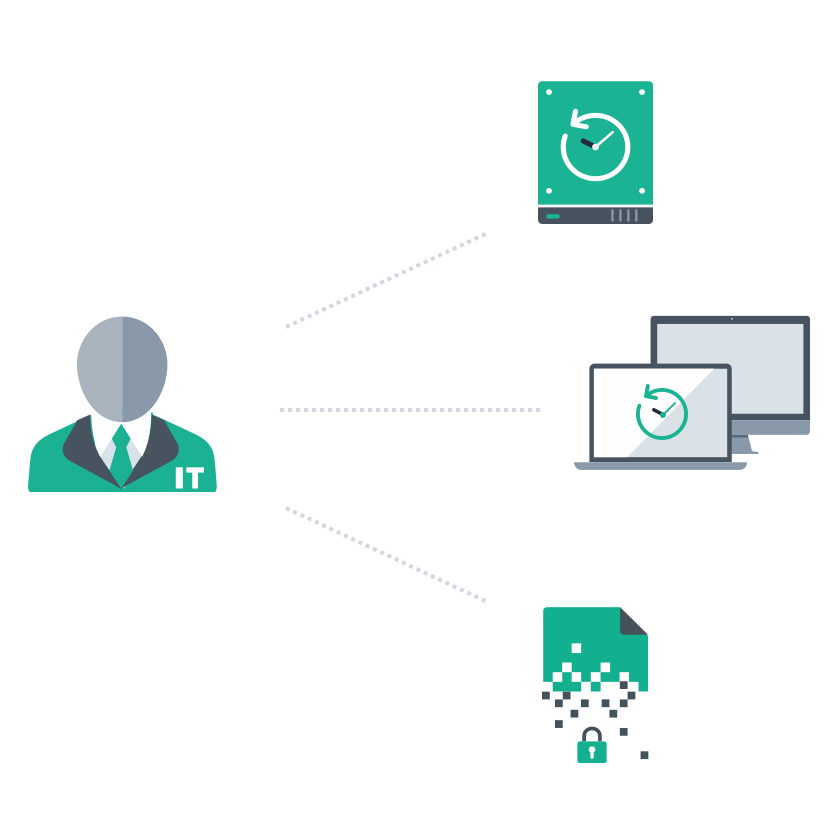
Remotely activate secure, high-performance backups of user’s business data according to your centrally set backup policies. Automated, near CDP backups happen in the background regardless of where that data is stored & where your users are located.
Global source-based deduplication results in massive TCO savings, lightning-fast data transfers and minimal user and network impact.
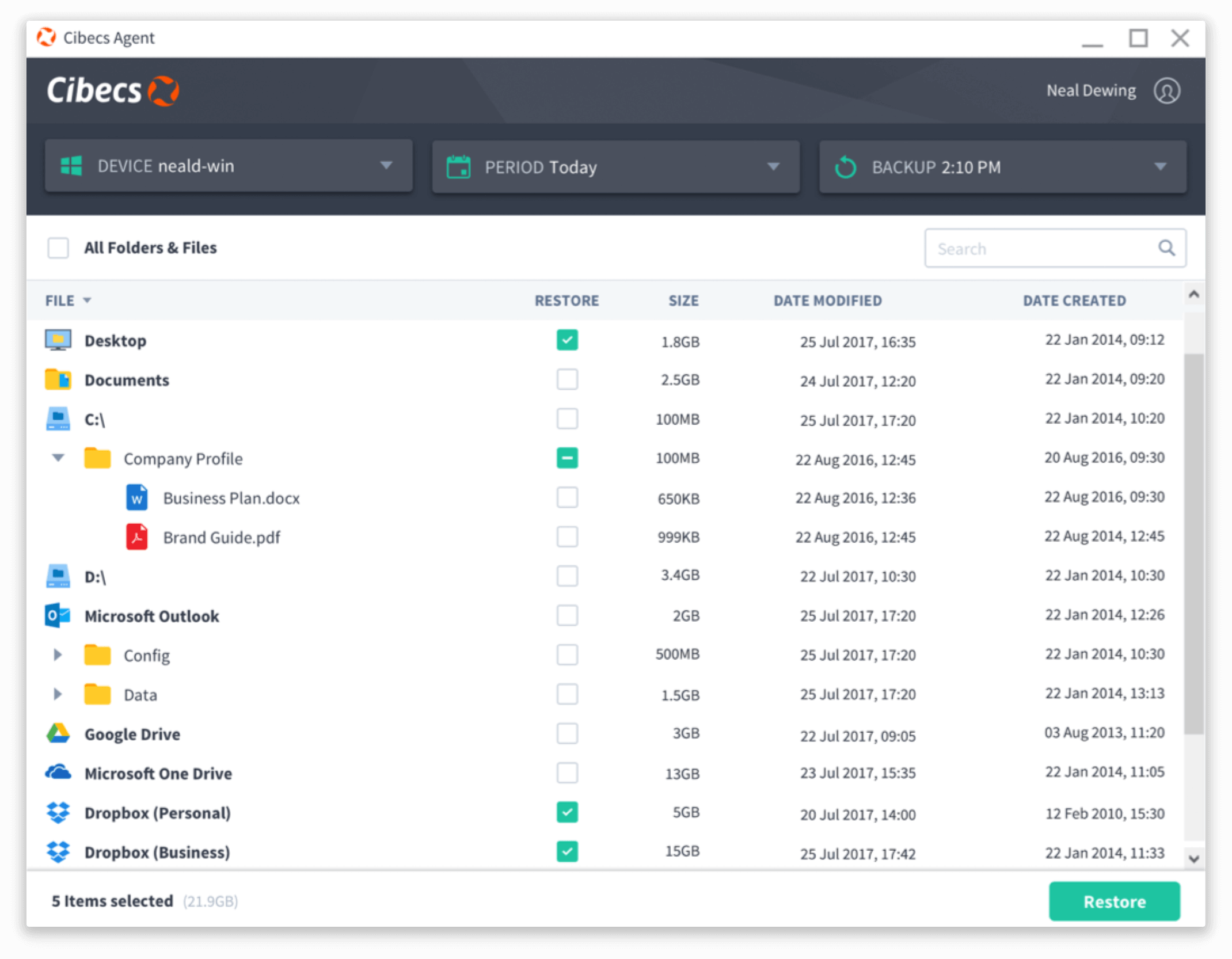
Snapshots allow for point in time recovery & archiving, restoring data from any point in time is lightning fast.

"Cibecs has become invaluable in protecting our corporate and customer data."
Kevin Gair
IT Project Manager at Europcar
Data Loss Prevention
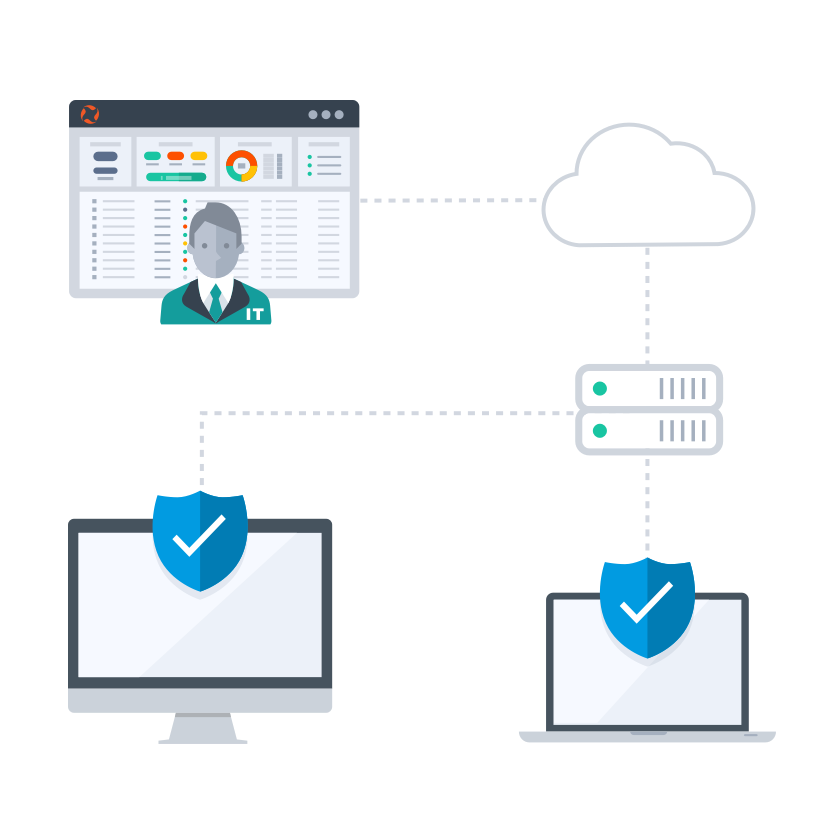
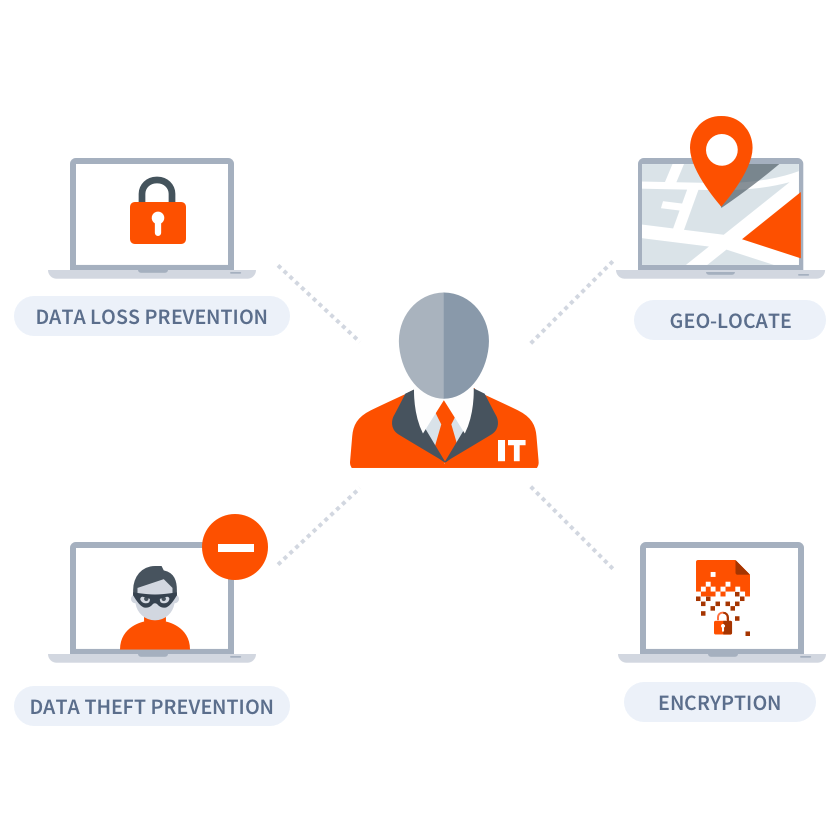
Endpoint Cloud integrates the most secure endpoint backup & DLP features into one multi-layered data protection solution. Enable local file encryption, remote revoke, Data Theft Prevention and geo-locate on all your devices with a single click from your central cloud.
Your critical business data is completely protected against Ransomware attacks, unauthorised access, theft and data loss.
Fast & reliable migration projects
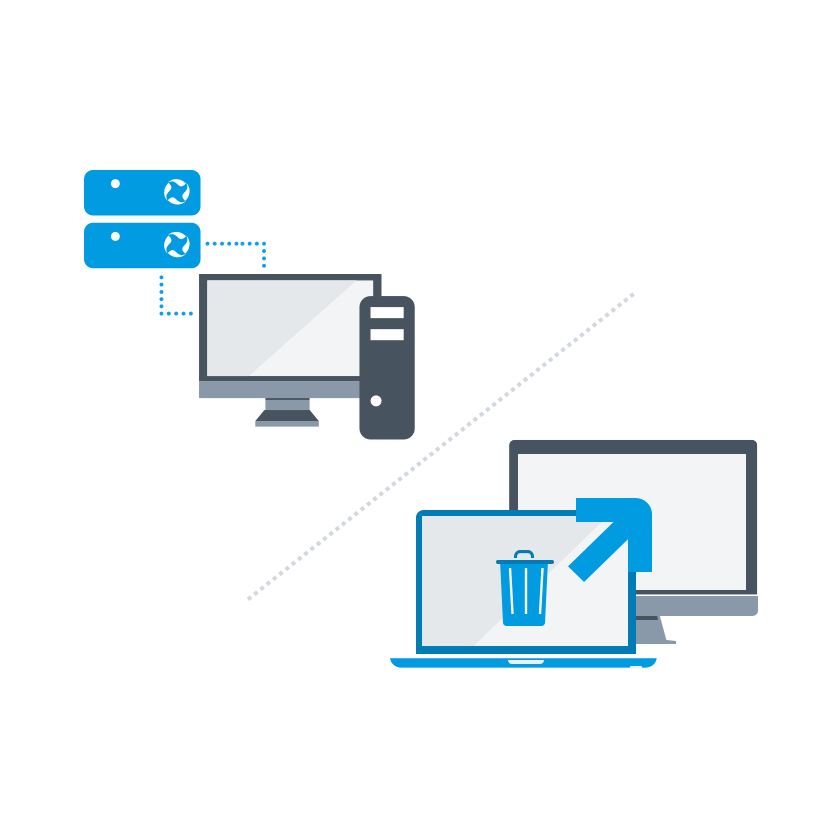
Manage data migration remotely from your Endpoint Cloud. Our migration feature allows you to simply select the old & new devices, and migrate all the user’s files & profile settings to the new machine or OS in minutes.
Never worry about losing files during migration, and ensure the easiest Best Practice migration project.
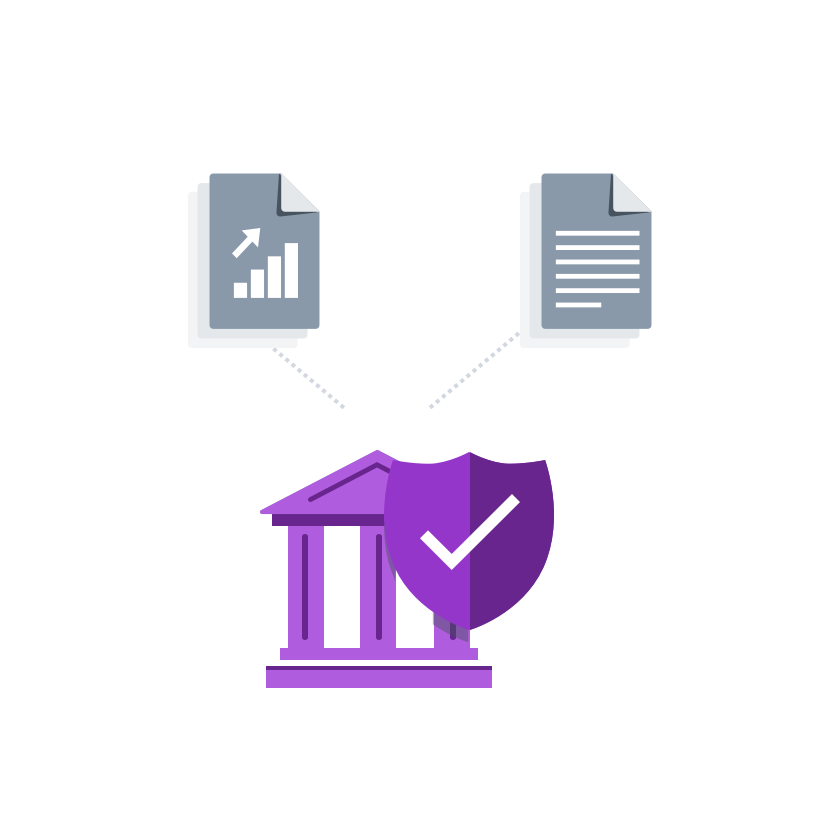
Compliance to Data Protection Laws & Regulations
Endpoint Cloud gives you total control over endpoint data security, and enables IT to fulfil the required Data Protection mandates including encrypted backups, retention & archival and local device disk encryption.
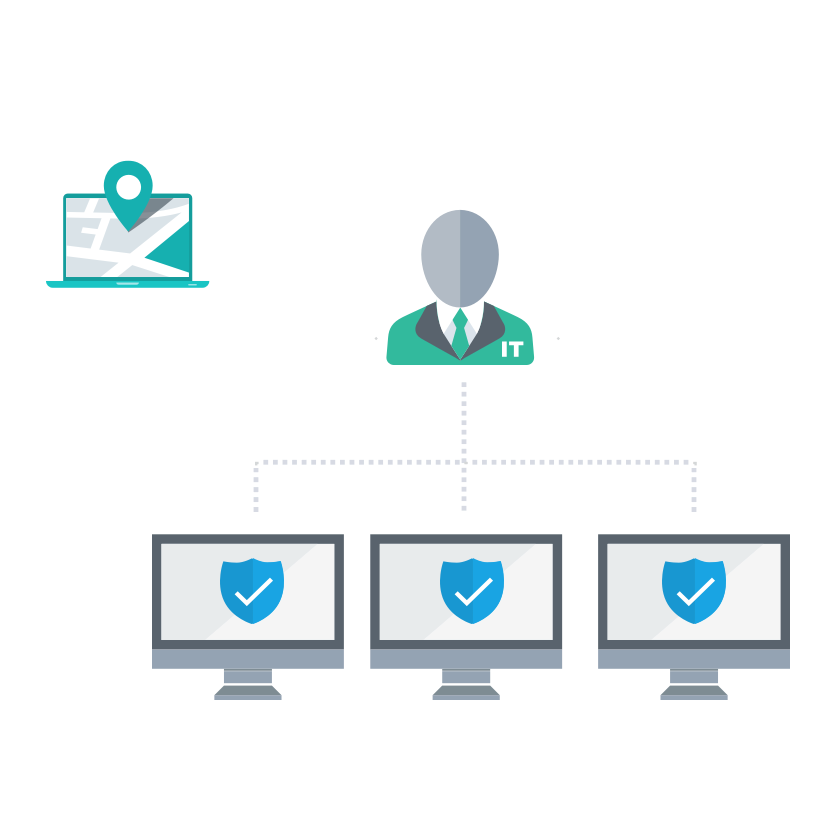
Intuitive cloud management
Cibecs Endpoint Cloud was built to solve the complexities of managing, migrating and protecting distributed endpoint data for IT.
Unlike traditional solutions, Endpoint Cloud gives you the most seamless, simplified central management, combining powerful patent-pending technology under the hood with the most intuitive cloud management interface to give you an unparalleled endpoint management tool for IT.
Product Tour


Gain visibility with a free detailed Inventory of all users, hardware, software & the size of business data in your endpoint environment.
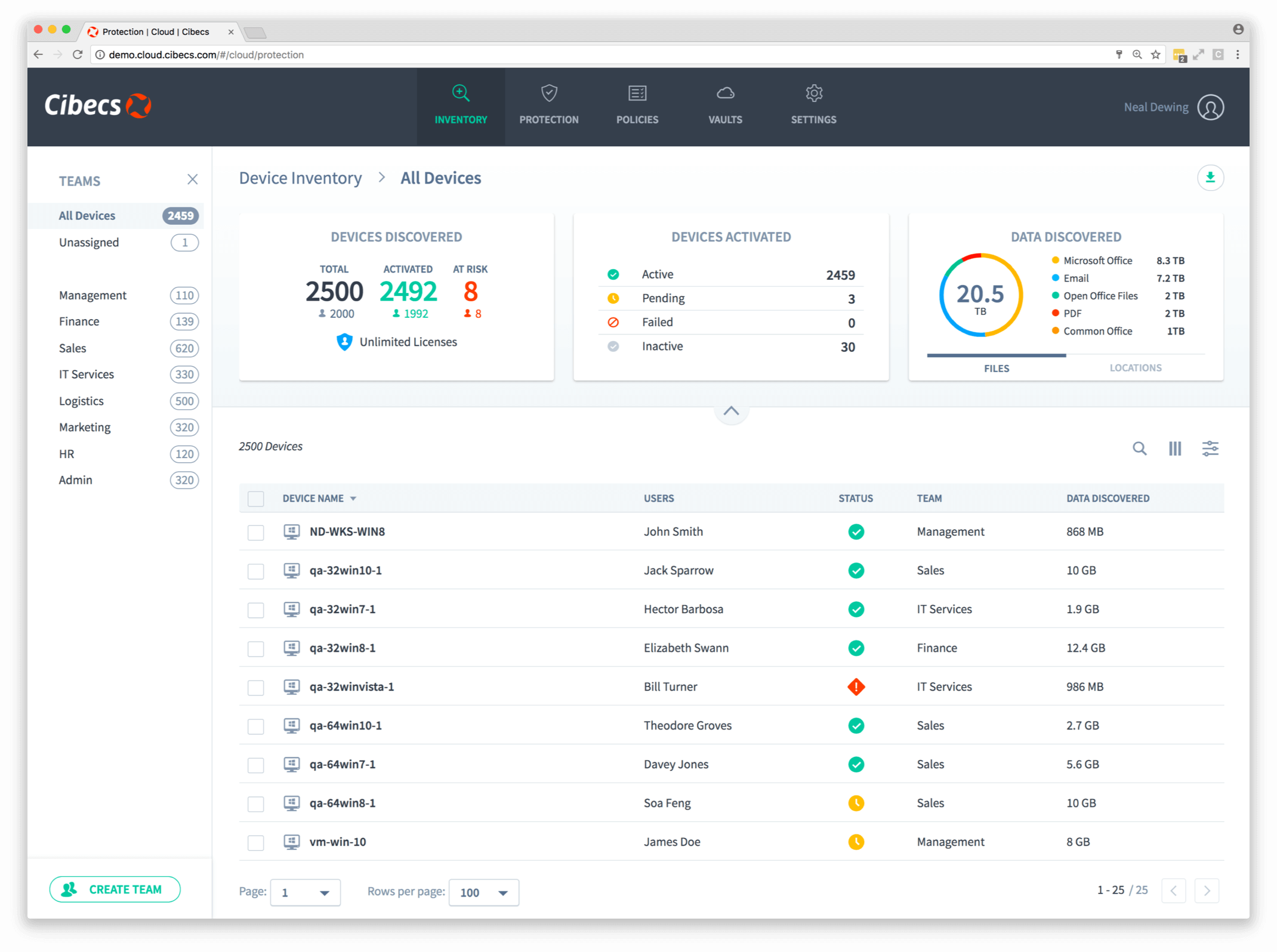
See the types and volumes of data across all your devices. Accurately plan storage and understand your protection requirements.
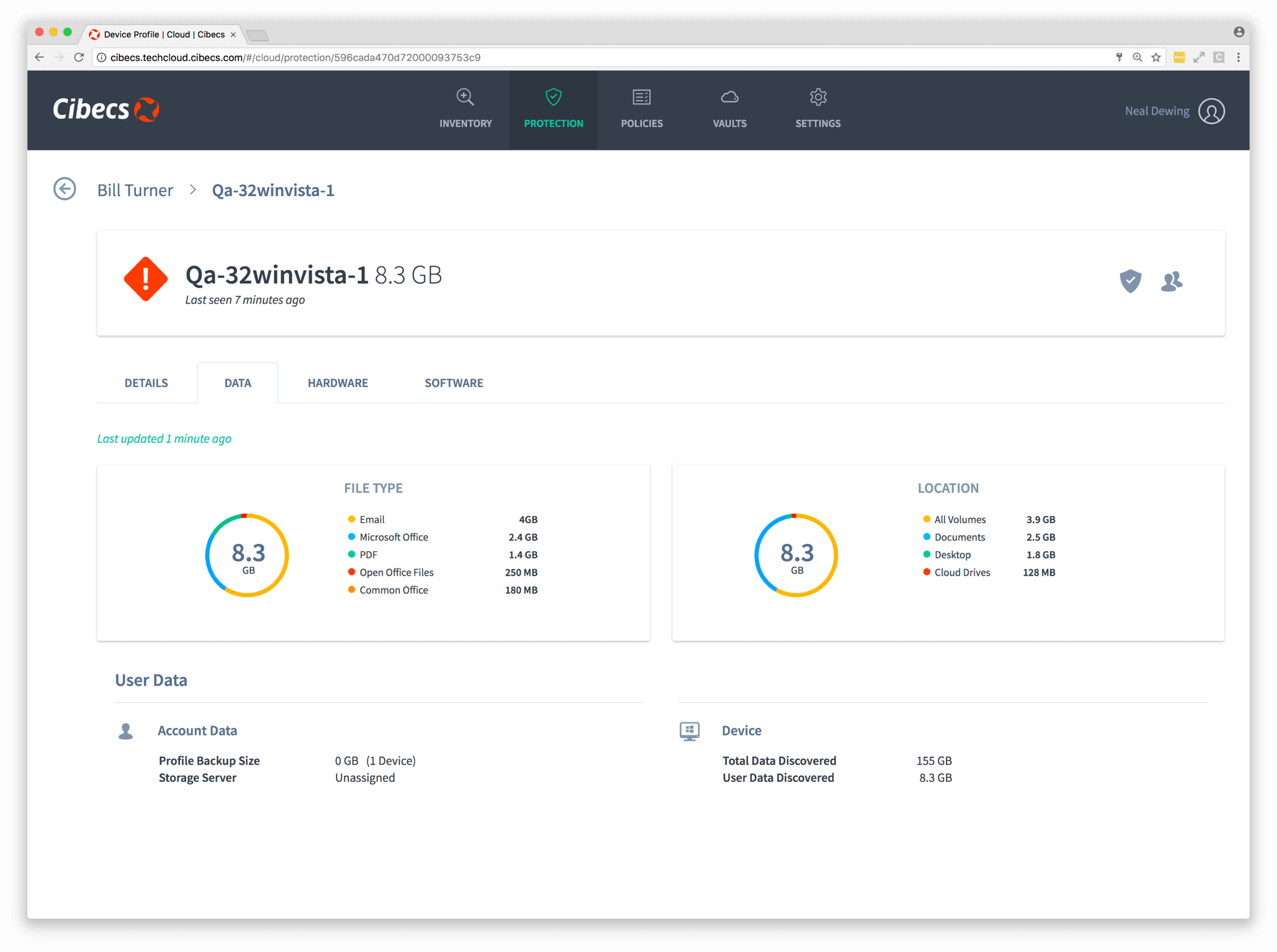
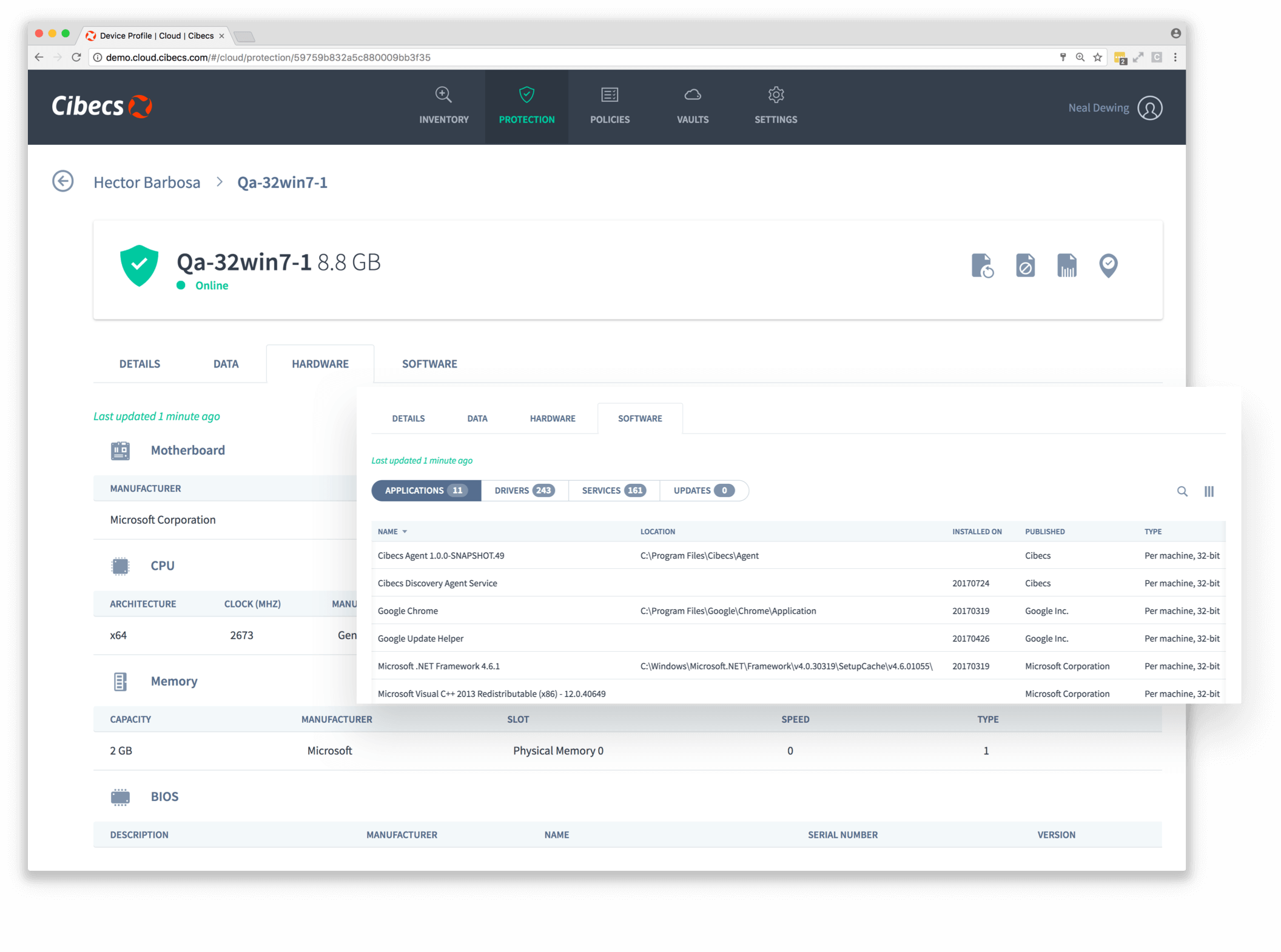
Get detailed hardware and software data for each device including installed applications, drivers, services and updates.
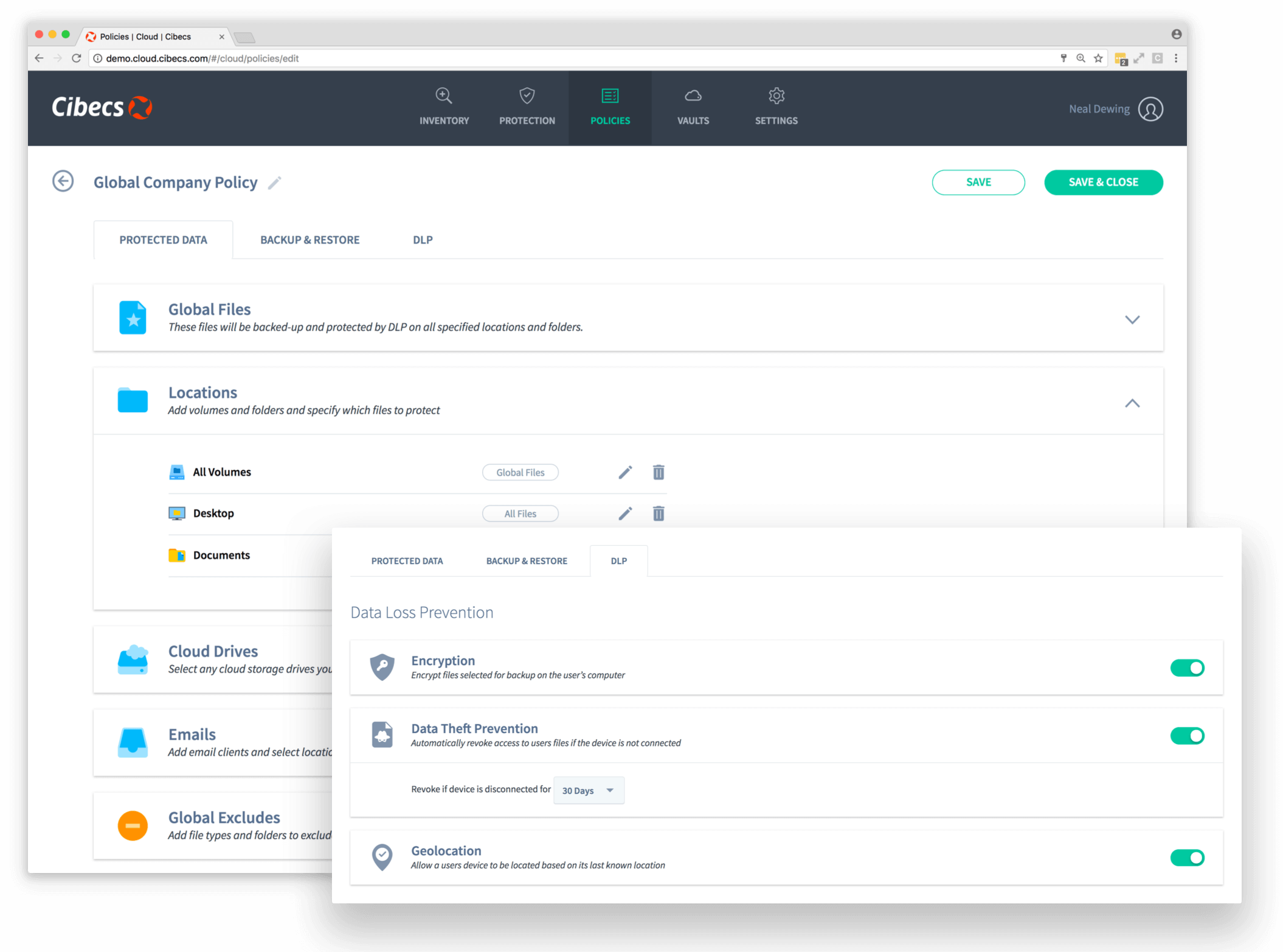
Easily create & customise your backup and protection policies from your central Endpoint Cloud.
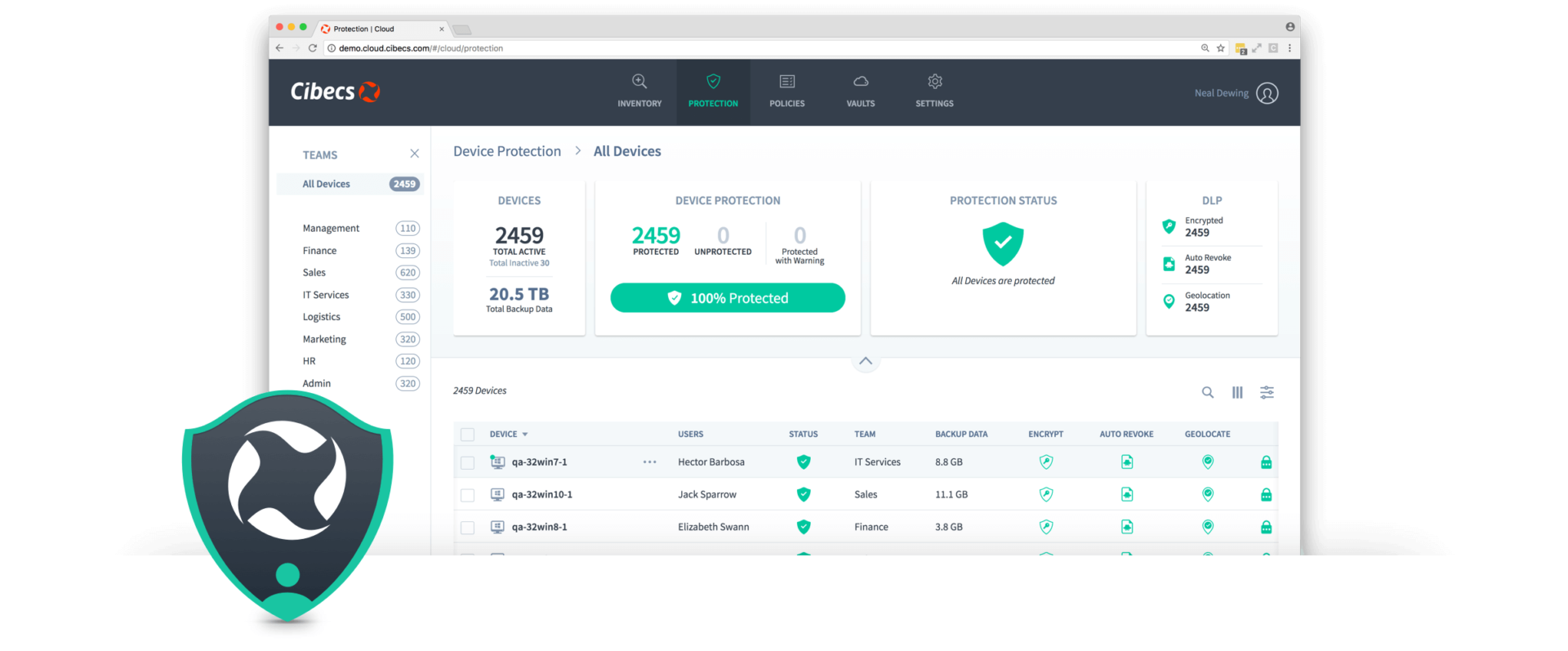
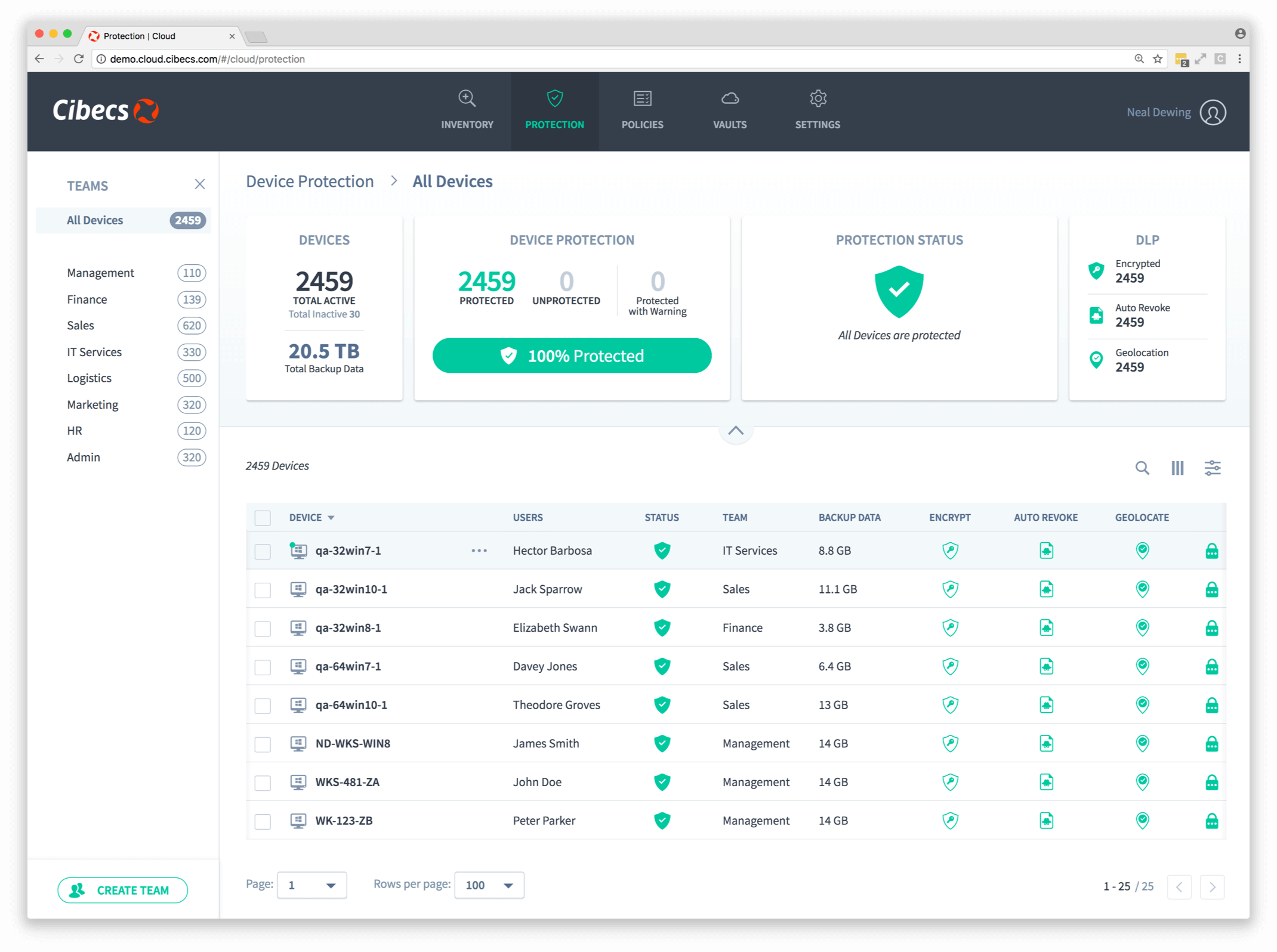
The most intuitive central management dashboard with overview metrics to simplify management.
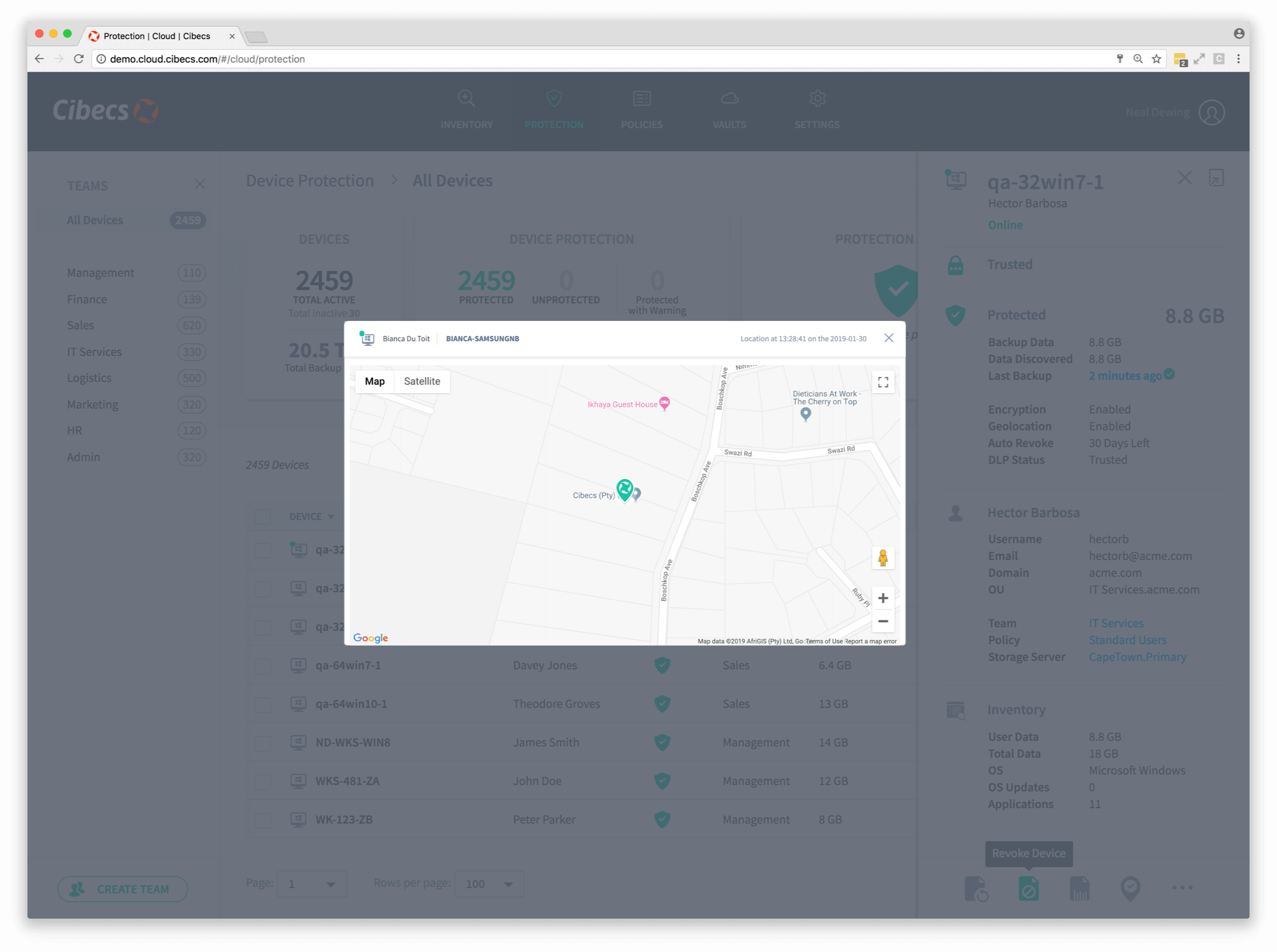
Activate bulletproof DLP across all your users with a single-click. Endpoint Cloud DLP includes: local data encryption, revoke access, data theft prevention, remote wipe and geo-locate.
Simplify recovery through a self service recovery agent and seamlessly migrate devices to new hardware and operating systems
Discover how easy endpoint data protection can be


Get in touch
Stay In The Loop
Sign up to receive emails for the latest updates, features, and news: